Pixel Streaming Test 1
Environment: web browser on desktop client over LAN


Innovation in XR/AR/VR
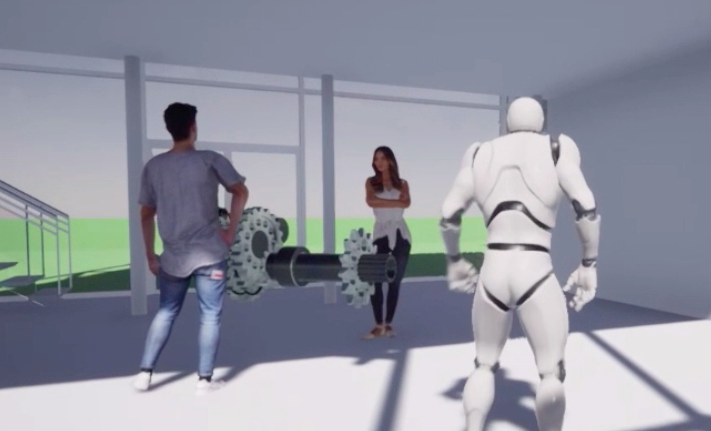
Environment: web browser on desktop client over LAN
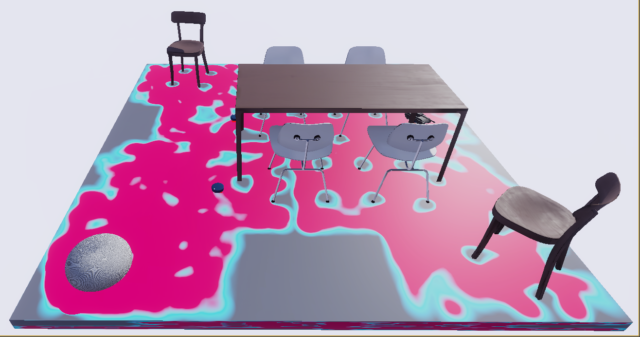
Unreal project for simulating mapping of a typical office floor plan, with an aim to detect obstacles and dynamic update of the ‘heat-map’. This project utilizes AI built in to the gaming platform (Blueprint).
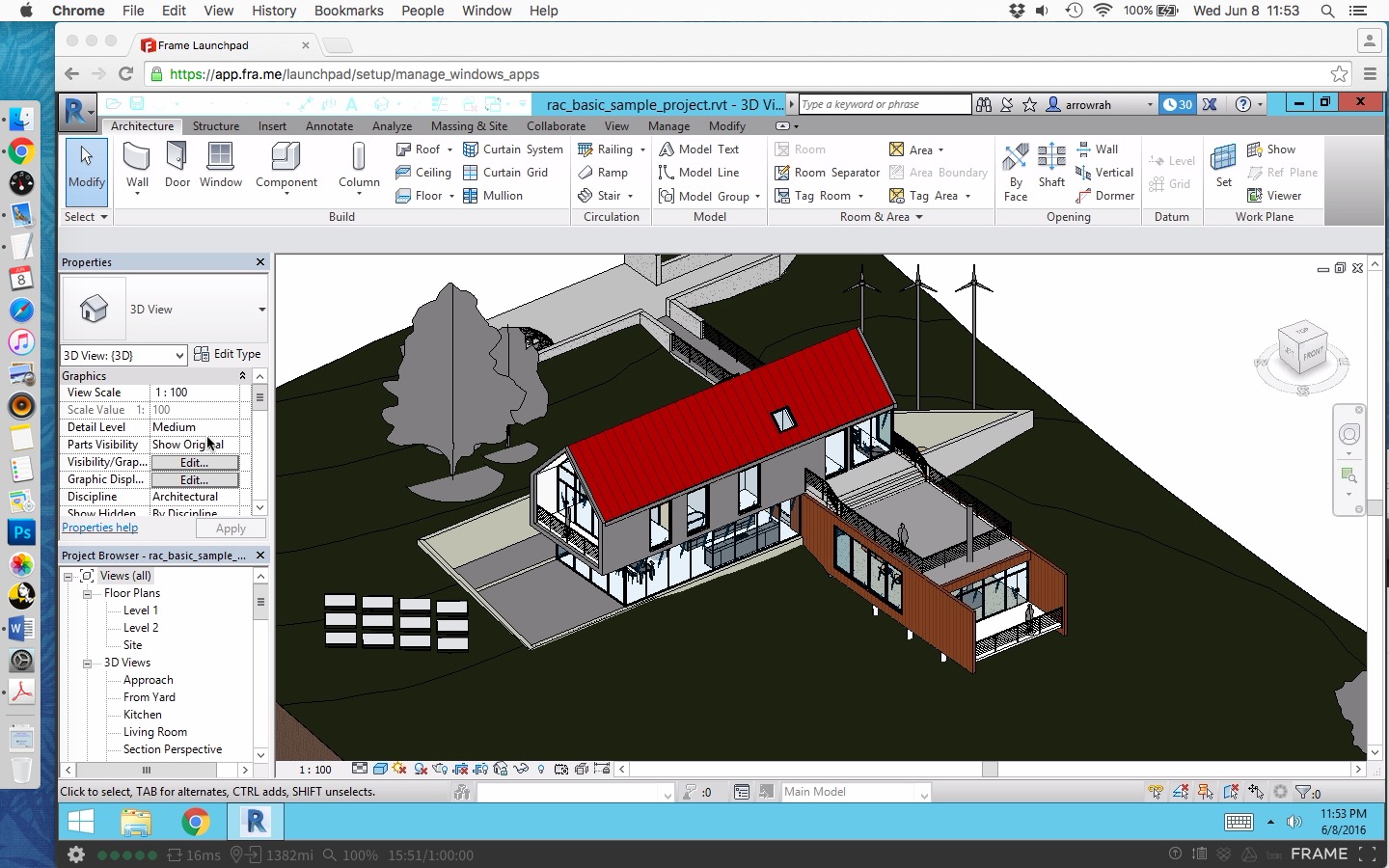
This post talks about running GPU intensive apps in the cloud (streaming them to your desktop via web browser)
Using Fra.me technology, you could access any Windows application running in the cloud from multitude of devices capable of running a modern browser.

Per my test, the download speeds are amazing, since data exchange is directly between Frame and Autodesk servers. I was able to install Revit 2017 (without the Medium Material Library) in under 6 minutes!
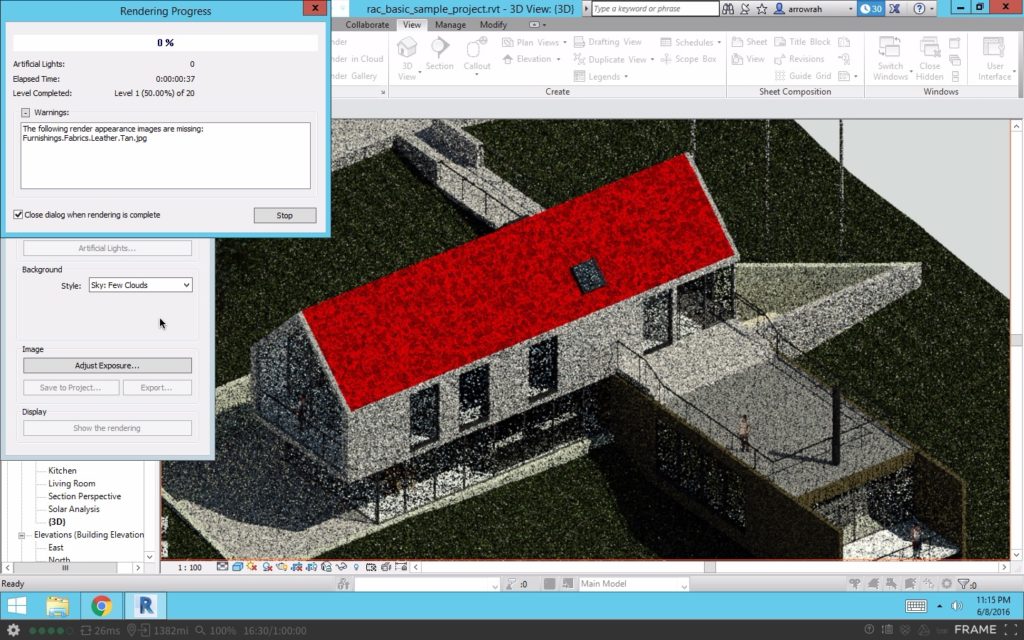
I ran the render engine in Revit and the verdict after a quick trial – it’s very doable, if you are well served by a high speed connection. So do a trial, and when you are ready, do pick a pricing plan which allows for GPU usage to run Revit – in case you want to render or use the real-time rendering plugins like Enscape and TwinMotion.

It’s been 70 days (and counting in California) since the Covid-19 related SIP (Shelter-in-place) orders went in to effect, and most of the population in the world has been in some form of a lockdown.
It became essential to keep ourselves occupied, and with three boys/men in the household, gaming became a natural outlet. We ended up trying out the latest, the greatest, the old and new hardware platforms for keeping ourselves entertained. Following is a concise compilation…

Google Stadia on a Mac, with a Logitech controller – putting the two month trial in to use, I tested the new cloud gaming service from Google. My experience was similar to this review: https://www.macrumors.com/2019/11/21/google-stadia-mac/ – I don’t plan to continue the free trial. I’ve in the past tested GeForce Now streaming and local GameStream – but the setup is too complicated for kids to initiate.
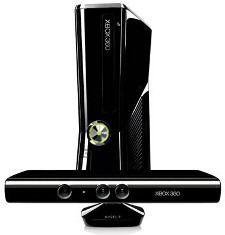
Xbox 360 S + wireless controller + Kinect – We had the most fun (& exercise) with the Kinect based video games. Kids & adults could participate together and get some calories burnt too, which is a good thing when you are locked down in homes! With two Xbox, one could try LAN co-op games, but we didn’t go there.

Oculus VR – I’ve had the Rift for three years, but this is the most kids got to use it for fun. They still love playing Robo-Recall. Of course I have to run Oculus and Steam games using a VR capable PC with nVidia GTX based card.

VR PC + Steam games + Xbox controller + Windows Store games – this was a mixed bag. Using the same powerful PC that runs the Oculus VR headset, we played Train Simulator, Fortnite and Windows store racing games like Asphalt 8 (my favorite).


Mobile gaming: iPhone app store and Google Play games are an easy way to keep busy. My youngest would enjoy playing any Sonic the Hedgehog game!

Google Play games on (newer) ChromeBook + Logitech controller – This turned out to be a total surprise and performed pretty well on the Samsung ChromeBook and Logitech’s Gamepad F310 wired controller. I hooked up the ChromeBook to the large TV and was gaming away in no time.
Roblox collaborative gameplay + FaceTime – my kid gave up on Minecraft and preferred to play Roblox with his friends. He figured out that using FaceTime with his co-player friend would be the best way to communicate, instead of using chat within the game environment. Check out this video:
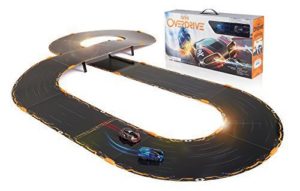
Anki Overdrive kit – I got hold of this car racing set for basically experimenting the game play of digital control + physical robotic cars. It just ran on its own, and all you had to control via BT app was acceleration, lane change and weapon firing. It was good for about couple of weeks, and then the tracks got in to our way. Once packed, we never took them out again. But it was fun while it lasted…kids probably didn’t find it challenging enough.

Lego City Train set – this is an old favorite of the boys, and out it came when the Anki drive was put away. It’s simple to operate, but gives more options to break-fix the Lego components, and when you have to kill time, this toy gets more attention.
 When everyone is going social via Zoom, one has to come up with Trivia games to engage friends and family. For secrecy the answers were directly sent to the game host via WhatsApp. Some game options to consider: https://www.self.com/story/video-chat-games
Thanks for reading, and don’t forget to have some gaming fun!